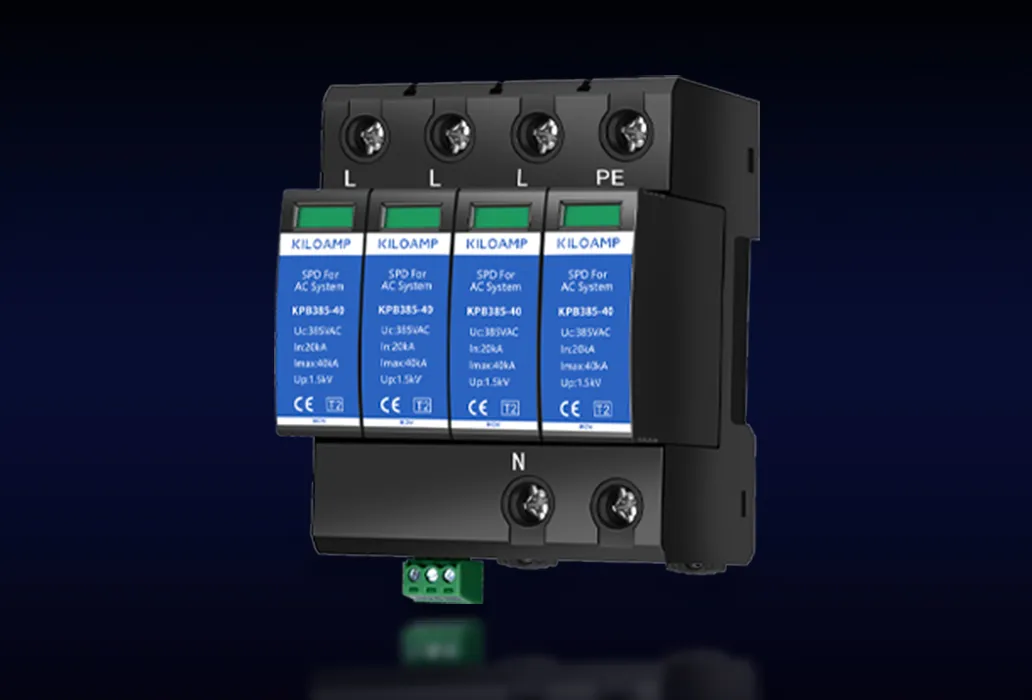




1. Preparation Before Installation
Tool List: Phillips screwdriver, wire stripper, multimeter
Parameter Check: Confirm the voltage of the distribution box, cabinet, or other equipment to be protected.
2. Power Off and Verification: Disconnect the main power supply and use a multimeter to confirm there is no residual voltage.
3. Rail Fixation: Cut a suitable length of DIN rail and secure it with two screws on the electrical installation board inside the distribution box. If existing rails in the distribution cabinet have enough space, additional cutting isn't necessary.
4. Product Fixation: Place the SPD face-up and press it onto the DIN rail.
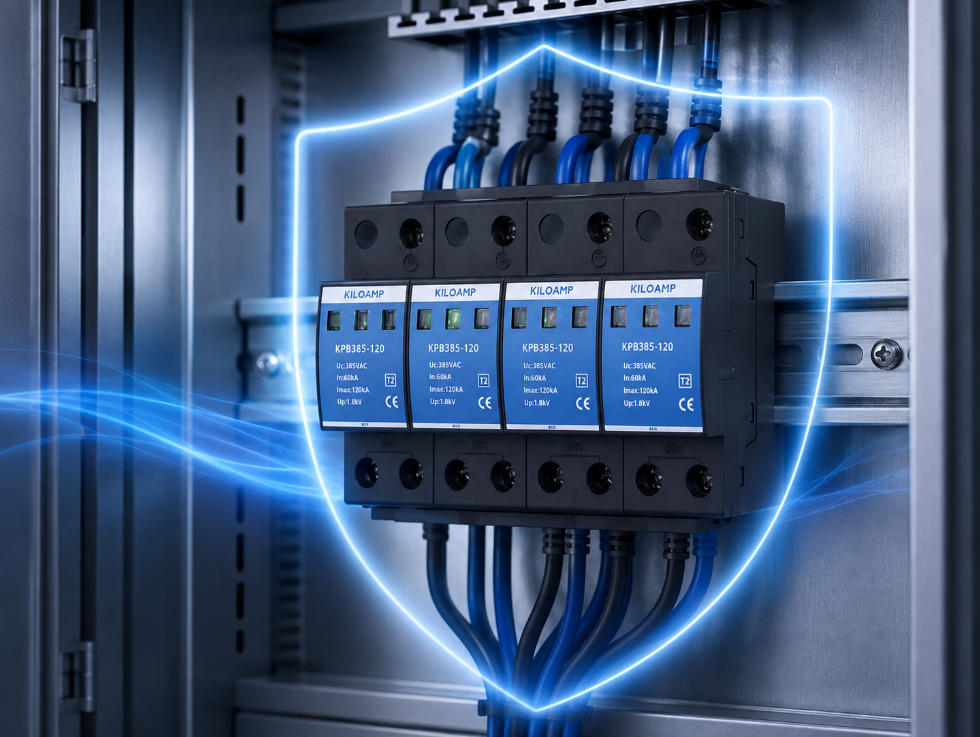
5. Parallel Wiring: Connect the SPD in parallel at the output terminals of the main circuit breaker in the distribution cabinet.
- Phase/Neutral Wires: Use copper cables ≥10mm² (L1/L2/L3 for phase wires, N for neutral), with lengths ≤0.5 meters.
- Ground Wire: Use 16mm² yellow-green stranded copper wire, with lengths ≤0.5 meters, connected to the main grounding bar of the distribution cabinet.
6. Remote Signal Terminal Wiring: If equipped with remote signaling interfaces (NC, COM, NO terminals), select normally closed (NC-COM) or normally open (NO-COM) based on requirements. Use 0.5mm² signal wires to connect the remote terminal to the signal acquisition device for remote alerts.
7. Backup Protection: Install a circuit breaker before the SPD, typically rated between 32A-63A (withstanding current ≥20kA).
8. Status Monitoring: A green indicator light signifies normal operation; red indicates the need for module replacement.
9. Site Cleanup: Use a vacuum cleaner to remove debris such as wire ends and copper strands from the distribution box to prevent short circuits.
10. Power Restoration: Verify the absence of short circuits using a multimeter, then close the main circuit breaker and backup protector to restore power.
1. Network Signal SPDs
1) Preparation Before Installation
Tool List: Network cable crimper, cable tester, diagonal pliers, Phillips screwdriver
Parameter Check: Determine the transmission rate of the network equipment, whether PoE is used, and the voltage.
2) Network Cable Preparation: Cut Cat6 shielded network cables to appropriate lengths, crimp connectors on both ends, ensuring the shielding layer is securely connected to the SPD's metal housing.
3) Product Installation: Secure the signal SPD and deploy it serially between the switch and the device, connecting the input end (IN) to external networks and the output end (OUT) to the device.
4) Grounding: Use 4mm² stranded copper wire for grounding, with lengths ≤0.5 meters, ensuring isolation from power grounds to avoid ground potential rebound.
5) Testing: Use a cable tester to check network speed and packet loss.
6) Site Cleanup: Clear away debris like wire ends and copper strands with a vacuum cleaner.
*Note*: For PoE installations, ensure operations are performed while powered off. The PoE SPD should be placed serially between the PoE switch and the receiving device (e.g., cameras). After power restoration, test the supply voltage.
2. Control Signal SPDs
1) Preparation Before Installation
Tool List: Diagonal pliers, cable tester, multimeter, Phillips screwdriver
Parameter Check: Identify communication type, number of pairs in signal lines, transmission rates, and voltages.
2) Signal Connection Line Preparation: Choose signal cables matching existing specifications, typically ranging from 0.5mm² to 1.5mm².
3) Product Installation: Match interfaces according to signal types (4-20mA/RS485), secure the SPD, and place it serially within PLC or sensor control signal lines, connecting the input end (IN) to external signals and the output end (OUT) to devices.
4) Grounding: Use an independent grounding wire (≥2.5mm²) connected directly to the SPD's grounding terminal, avoiding shared grounding bars with motors or inverters.
5) Testing: Use a cable tester to verify network speeds and packet loss.
6) Site Cleanup: Remove debris like wire ends and copper strands with a vacuum cleaner.
1. Preparation Before Installation
Tool List: Coaxial cable cutter, crimping tool, VSWR meter, heat gun, Phillips screwdriver
Parameter Check: Confirm connector type, center frequency range, and voltage.
2. Coaxial Cable Preparation: Cut coaxial cables to appropriate lengths, choose connectors compatible with the SPD, install and fix the connectors securely, and apply waterproof sealing measures.
3. Product Installation: Secure the antenna feedline SPD and place it serially between the base station antenna and transceiver equipment, connecting the input end (ANT) to the antenna side and the output end (EQU) to the equipment side.
4. Ground Wire: Directly connect the SPD's grounding terminal to the grounding bar using copper wire ≥6mm², laying straight without loops, and keeping lengths ≤0.5 meters.
5. Waterproof Treatment: Seal all connections with waterproof tape.
6. Testing: Ensure the Voltage Standing Wave Ratio (VSWR) is ≤1.5.
7. Site Cleanup: Clear away debris like wire ends and copper strands with a vacuum cleaner.
---
This translation maintains the structure and technical details of your original text, making it accessible to an international audience.
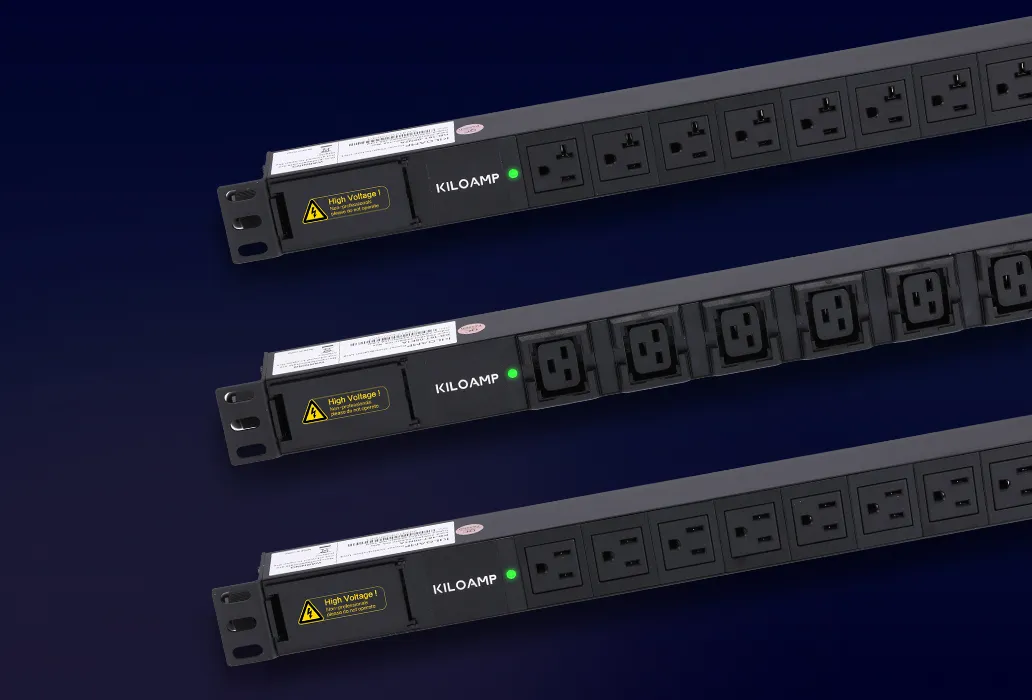
1. Pre-Installation Preparation
Tool List: Phillips screwdriver, multimeter, zip ties, level.
Parameter Verification:
- Confirm that the PDU input voltage (e.g., 220V/380V) matches the output voltage of the upstream distribution cabinet.
- Calculate the total load power within the cabinet and ensure it does not exceed the PDU's rated power.
2. Positioning and Installation: Use a level to calibrate the cabinet uprights. Ensure the PDU rail is vertically aligned with an error ≤2mm relative to the cabinet. Secure the PDU in the preset U position using M6 screws. It is recommended to install it near the equipment side, leaving a ≥10cm air duct around the PDU for heat dissipation.
3. PDU Input Power Connection:
- If the PDU input includes a plug and cable, connect the provided plug and cable to the socket for power.
- If the PDU input is a terminal block, calculate the current based on the PDU's power rating, select a cable with an appropriate cross-sectional area and length, and connect the power cable to the PDU input terminal block (L connects to live wire, N to neutral, PE to ground).
- For redundant power supplies, dual-input PDUs must be connected to separate A/B distribution cabinets with a phase angle difference ≥120°.
4. PDU Output Connection: Plug the device’s power cable into the corresponding PDU socket according to its socket type. If the plug is incompatible, use a matching adapter cable, ensuring both ends are compatible with the PDU and the device. For three-phase PDUs, ensure phase balance with a deviation ≤15%.
5. Grounding Verification: Use a multimeter to measure the resistance between the PDU housing and the grounding bar, ensuring it is ≤1Ω for proper equipotential connection.
6. Acceptance Testing: Gradually power on devices and use a clamp meter to verify that each circuit’s current is ≤80% of its rated value. Run at full load for 1 hour and ensure the temperature rise is ≤40°C.
7. Cleaning: Use a vacuum cleaner to remove debris such as wire ends and copper strands.
1. Pre-Installation Preparation
Tool List: Phillips screwdriver, multimeter, zip ties, level.
Parameter Verification:
- Confirm that the PDU input voltage (e.g., 220V/380V) matches the output voltage of the upstream distribution cabinet.
- Calculate the total load power within the cabinet and ensure it does not exceed the PDU’s rated power.
2. PDU Installation: Follow the standard PDU installation steps and additionally install the smart module. Install sensors for temperature/humidity, door access, water leakage, etc.
3. Network Configuration: Connect the Ethernet cable from the PDU’s network port to a switch. Configure static IP or DHCP settings via the serial or USB debugging port. It is recommended to use a dedicated VLAN to isolate management traffic.
4. Platform Integration: Add the PDU’s IP/MAC address to the DCIM system. Configure threshold-based alerts (e.g., trigger SMS notifications if current >80%). Calibrate sensor data (temperature/humidity errors within ±2°C/±5%RH).
5. Advanced Feature Activation:
- Remote Control: Group devices by importance and enable outlet-level switching permissions.
- Energy Consumption Analysis: Set time-based metering strategies and synchronize with the EMS energy management system.
- Security Audit: Enable login logs and operation records, and periodically export CSV reports.
6. Acceptance Standards:
- Communication Test: Ping the PDU’s IP address, ensuring a delay ≤5ms with no packet loss.
- Alert Verification: Simulate overload/high-temperature scenarios and confirm that SMS/email alerts are triggered.
- API Integration: Call real-time current data via RESTful API, ensuring a response time <2 seconds.
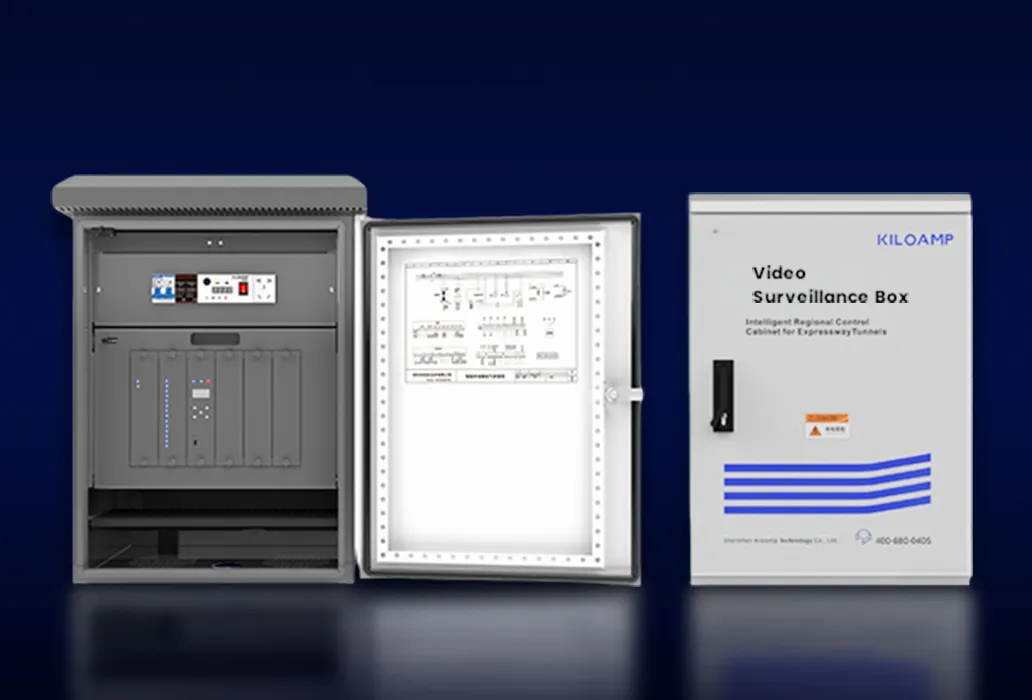
1. Pre-Installation Preparation
1) Tool List: Phillips screwdriver, wire stripper, multimeter, impact drill (for concrete walls).
2) Material Verification: Clamps, expansion bolts, grounding wires (≥4mm² yellow-green copper wire).
2. Enclosure Fixation
- Wall Mounting: Install at a height of more than 1.8 meters from the ground. Use a level to calibrate and mark the positions for expansion bolt holes. Drill holes with an 8mm impact drill, insert expansion sleeves, and tighten M6 stainless steel screws.
- Pole Mounting: Secure the enclosure to the pole at the designated position. Adjustments may be necessary based on the pole’s wiring entry points and fixing methods. For rear-entry, typically use a flange mount; for bottom entry, generally use clamps.
3. Cable Connections
1) Power Input: Connect the mains input side cables to the circuit breaker's input terminals, and connect the equipment power cables to the terminal block on the output side.
2) Grounding: Connect the enclosure’s grounding terminal to the building’s main grounding bar. If mounted on an independent pole, connect it to an independent ground grid, ensuring the grounding resistance is ≤10Ω.
3) Signal Lines: Connect the network cable from the camera to the switch ports inside the box using RJ45 connectors. Try to separate signal lines from power lines to avoid interference.
4) Fiber Optic Splicing: Bring fiber into the box, leaving enough length to place in a fiber optic box. Choose connectors matching the switch and perform splicing. Seal all cable entry and exit points with waterproof sealant.
4. Intelligent Configuration
If the enclosure includes intelligent operation and maintenance modules, connect sensors such as temperature/humidity, access control, and water leakage to the smart gateway. Connect the intelligent module to the switch for IP configuration, set threshold alarms (e.g., SMS notifications when current exceeds 80%), and calibrate sensor data (temperature/humidity errors within ±2°C/±5%RH).
5. Acceptance Testing
1) Power Check: Use a multimeter to measure the output voltage accuracy within ±5%.
2) Signal Testing: Test both network and fiber optic communications separately.
3) Insulation Testing: Ensure the insulation resistance between the enclosure and live parts is ≥10MΩ.
Any needs, questions or concerns, please feel free to Contact Us.
KILOAMP team will get back to you within 24 hours.


 English